

Tuftina Nuvaryn S2™
Tuftina Nuvaryn S2™
BUNDLE & SAVE
Couldn't load pickup availability
- American express payment method
- Apple pay payment method
- Diners club payment method
- Discover payment method
- Google pay payment method
- Master payment method
- Shopify pay payment method
- Visa payment method

Tuftina Nuvaryn S2™

Make room
for more.
A bigger-feeling view without bringing another screen. Put on your XR glasses, connect a compatible device, and get comfortable wherever you settle in.
Requires a compatible video-output device. Apps and content run on that device, not on the glasses.
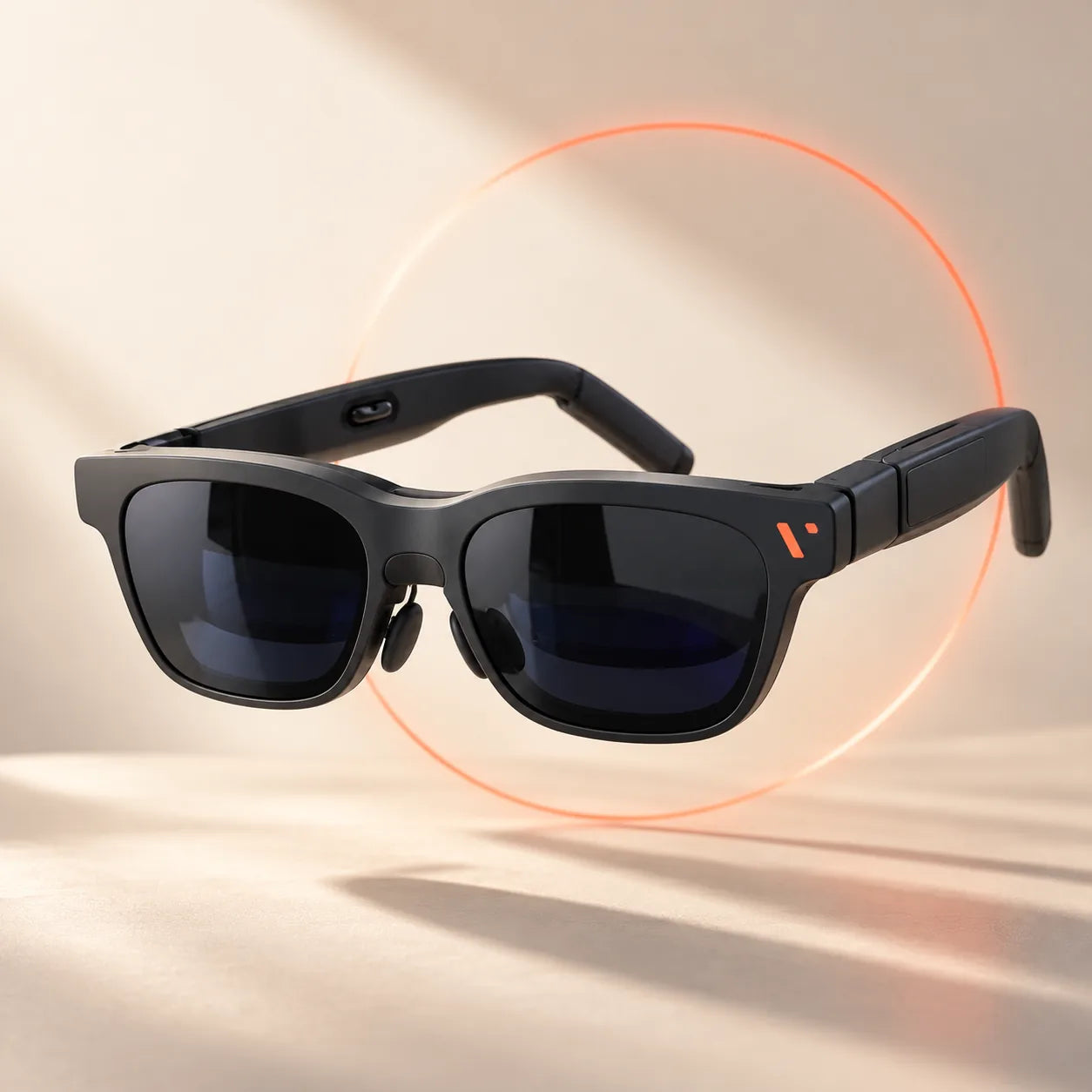
Built for the moments between places.
From the feel of the frame to the way it packs away, every detail is easier to understand up close.
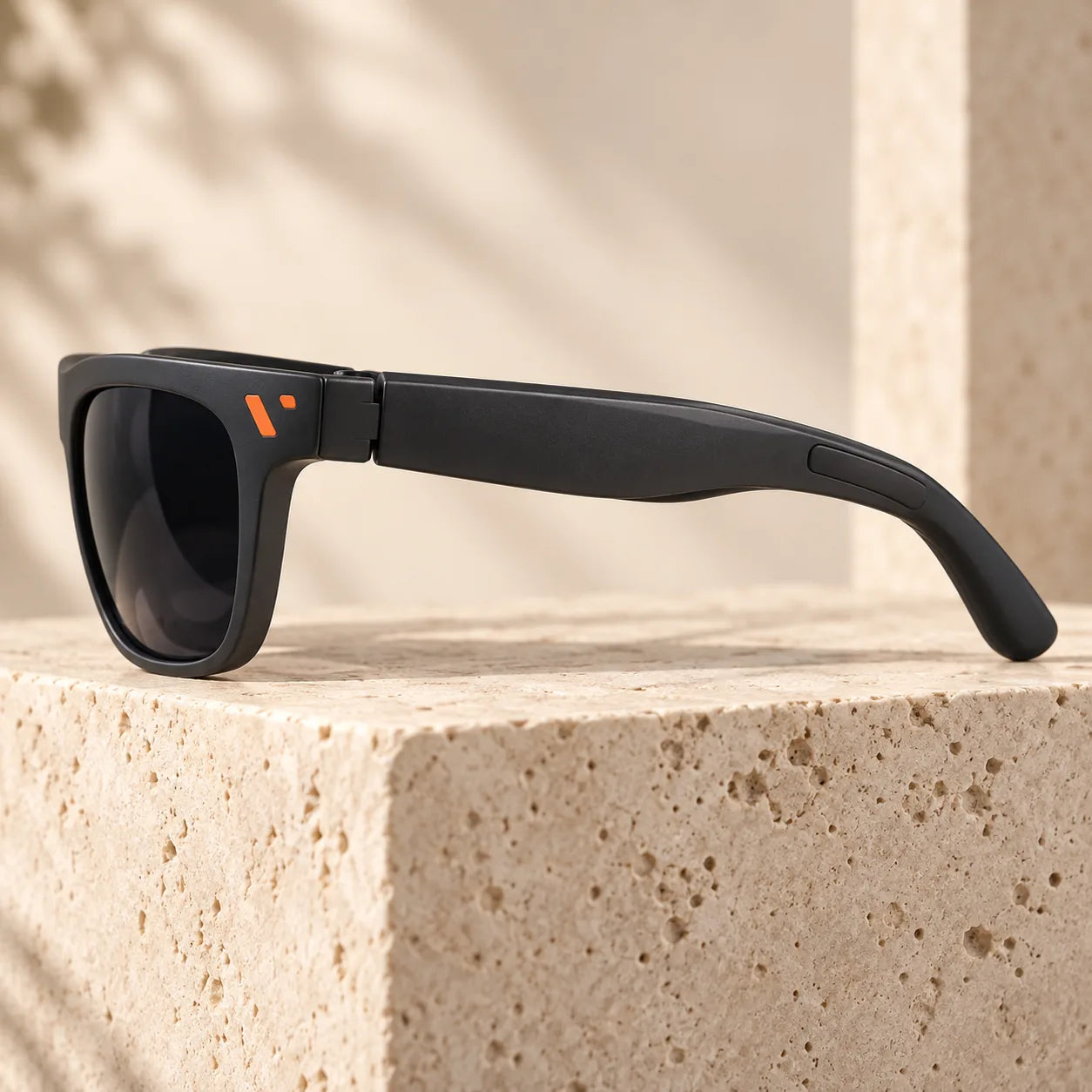
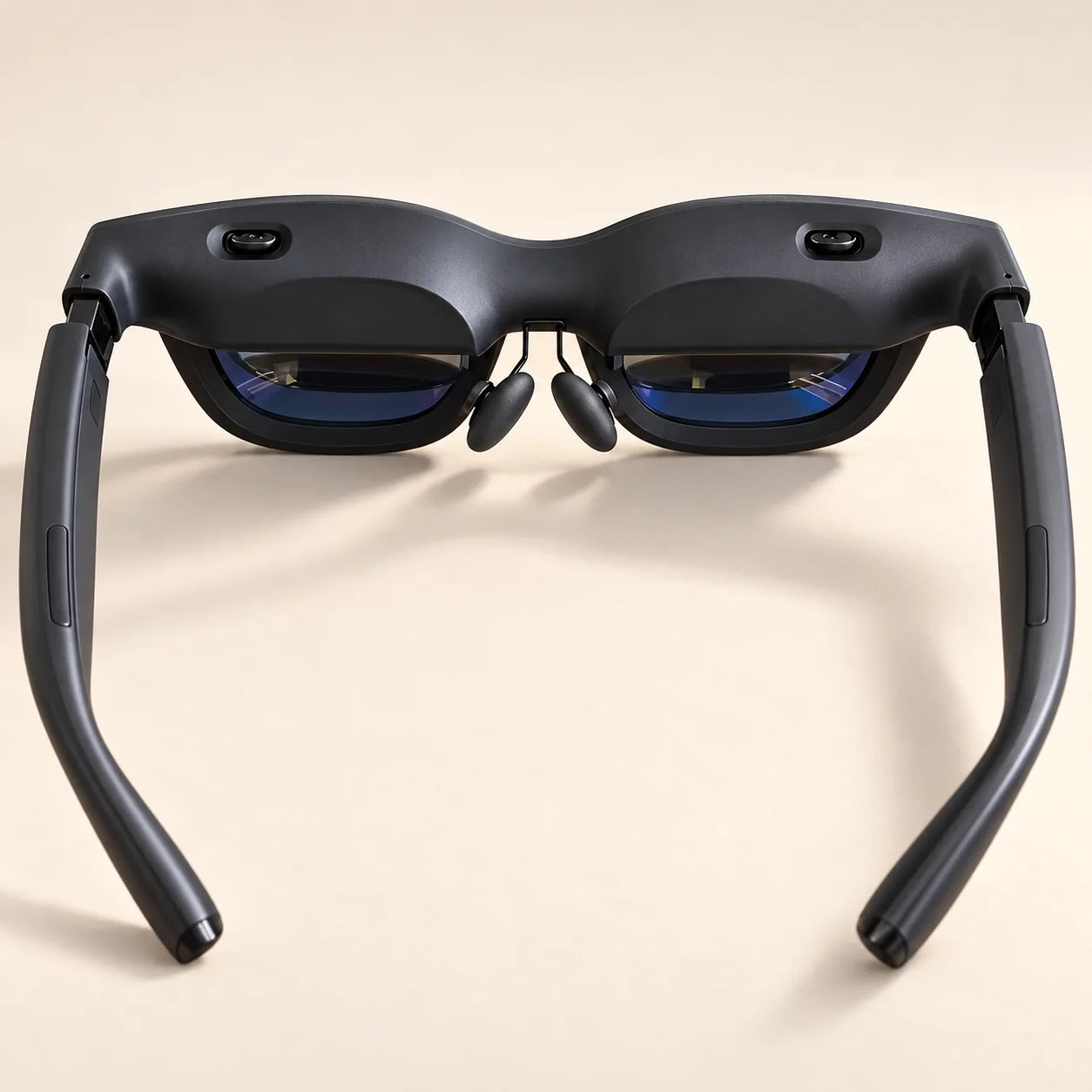
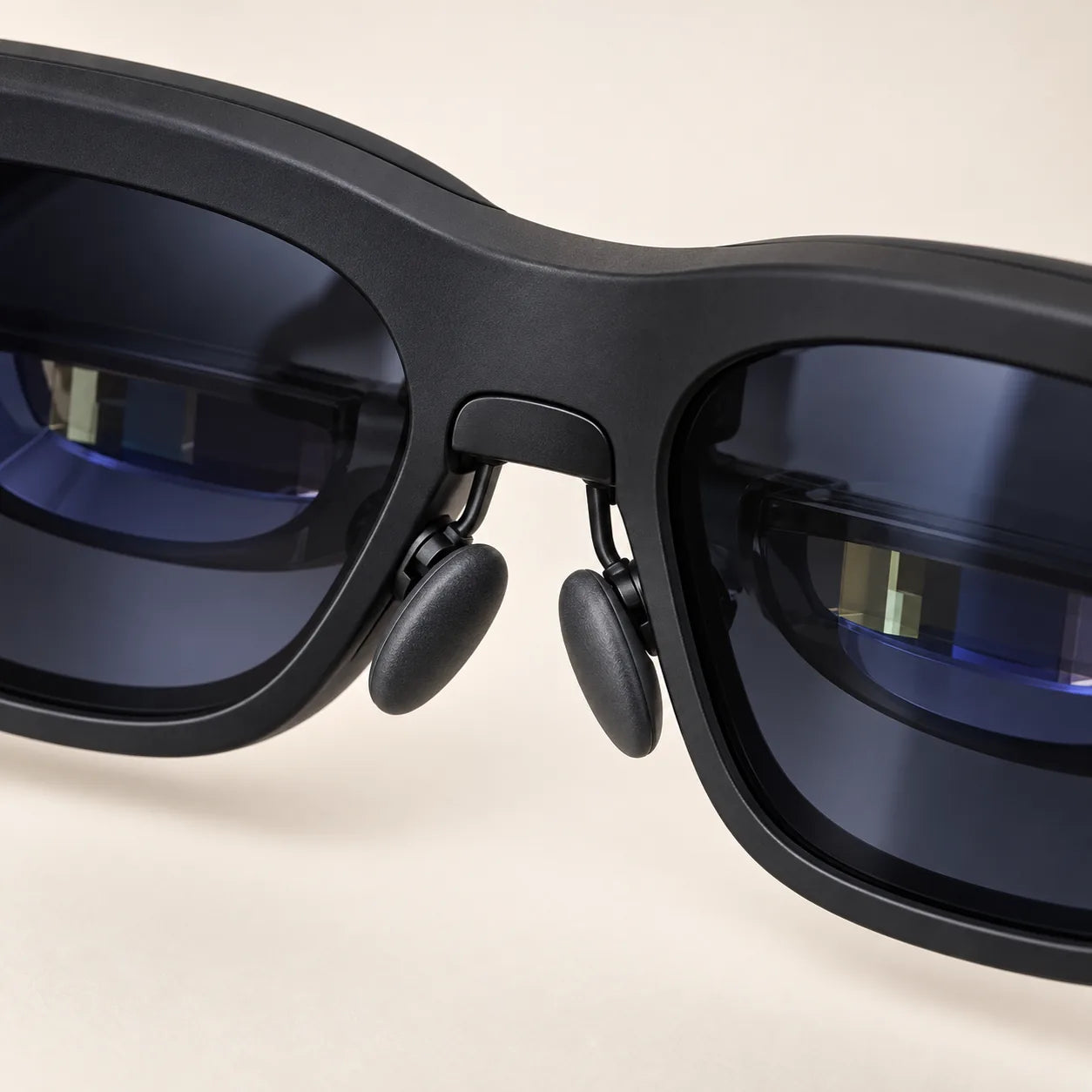
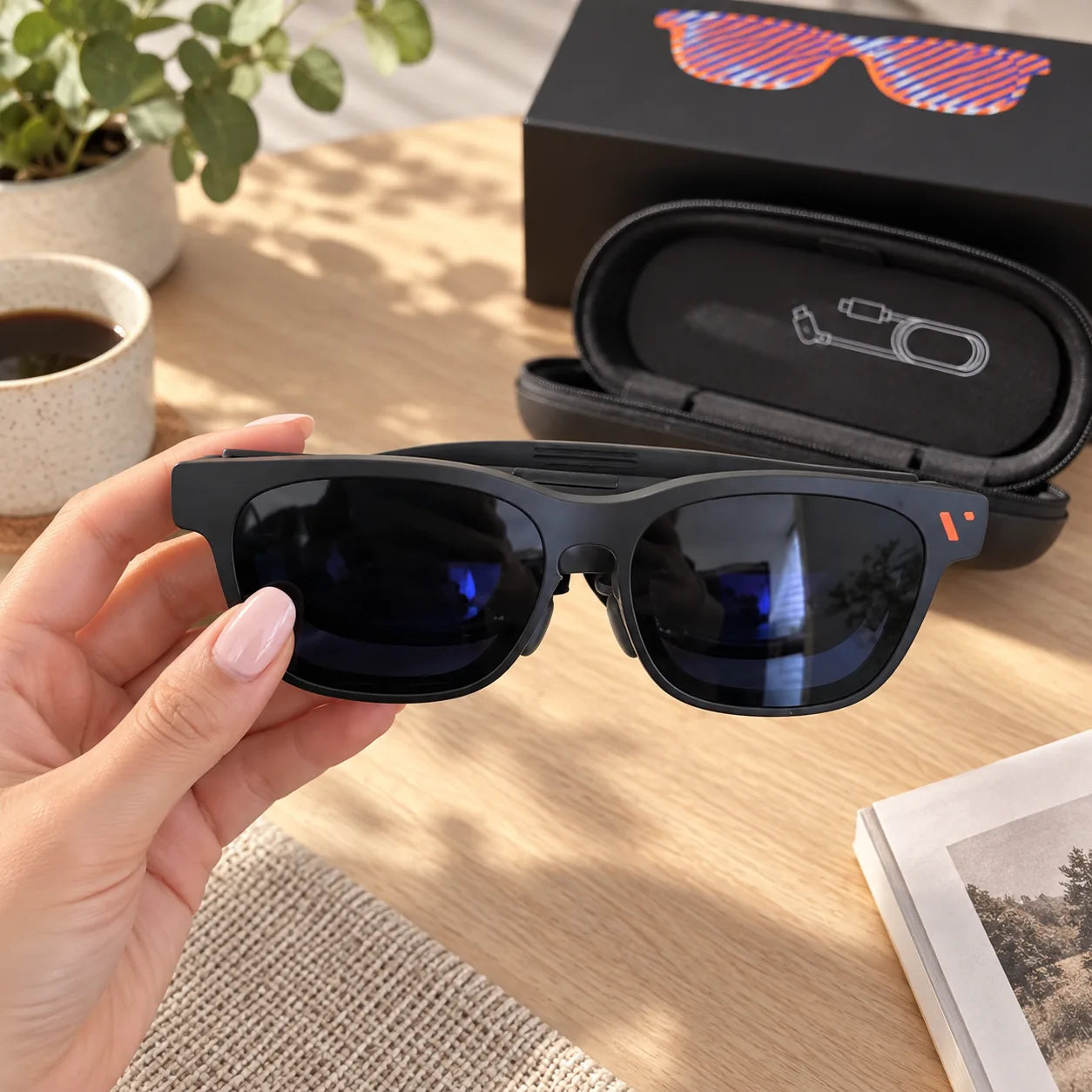
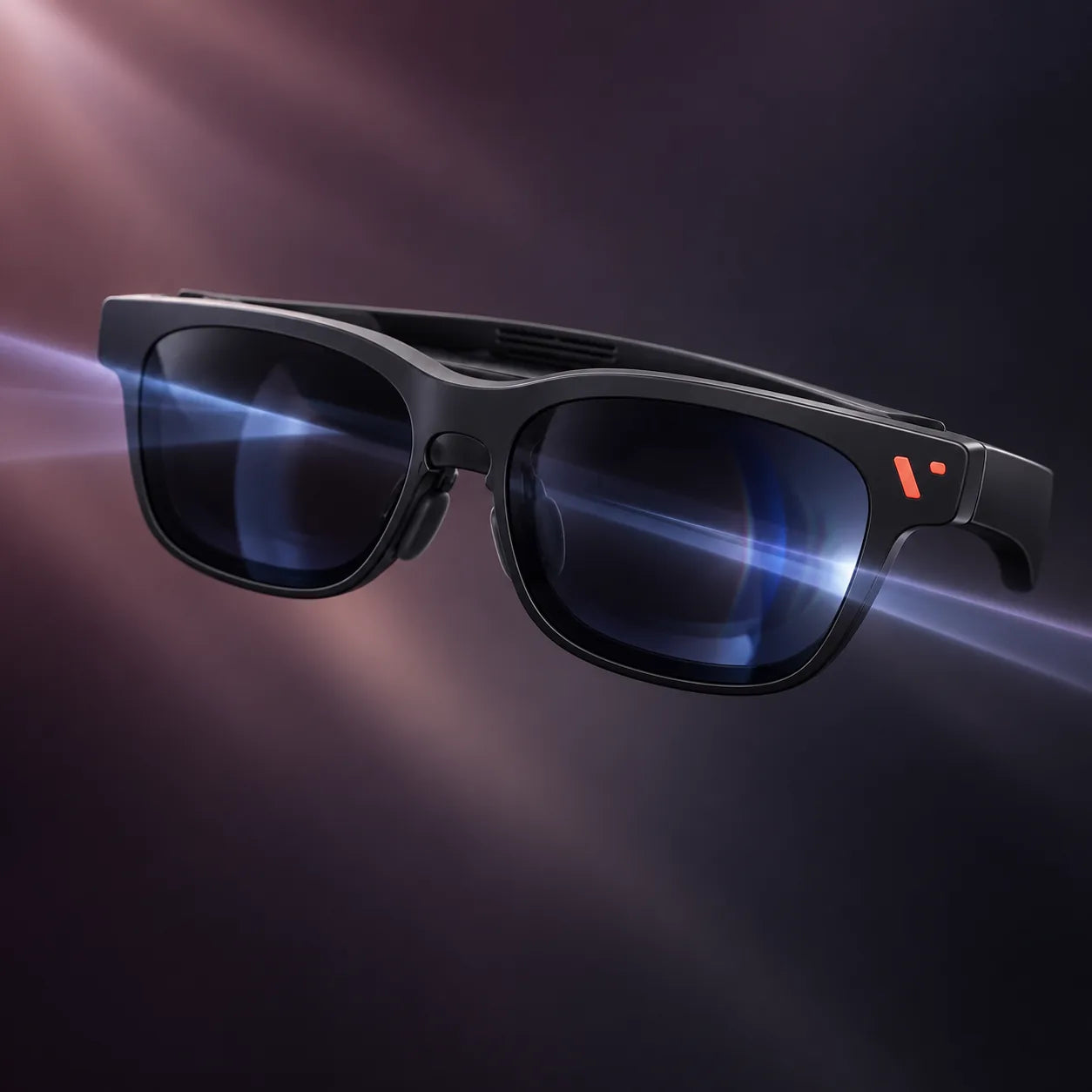

Turn downtime into screen time.
Catch up on a film, take a game further, or relax with a familiar show. Your connected device does the work; the glasses give you a personal place to watch.
Lifestyle image is an illustration of use; visual screen experience varies by source, fit and surroundings.

One less screen to carry.
Use the included case to keep your glasses together between your desk, your couch and your next trip.
Start with the right port.
For direct USB-C connection, your phone, tablet, computer or handheld needs video output through USB-C (DisplayPort Alt Mode). A charging-only USB-C port will not send a picture.
HDMI consoles and some phones require a separate compatible adapter or dock. Accessories are not included unless listed in your chosen offer.
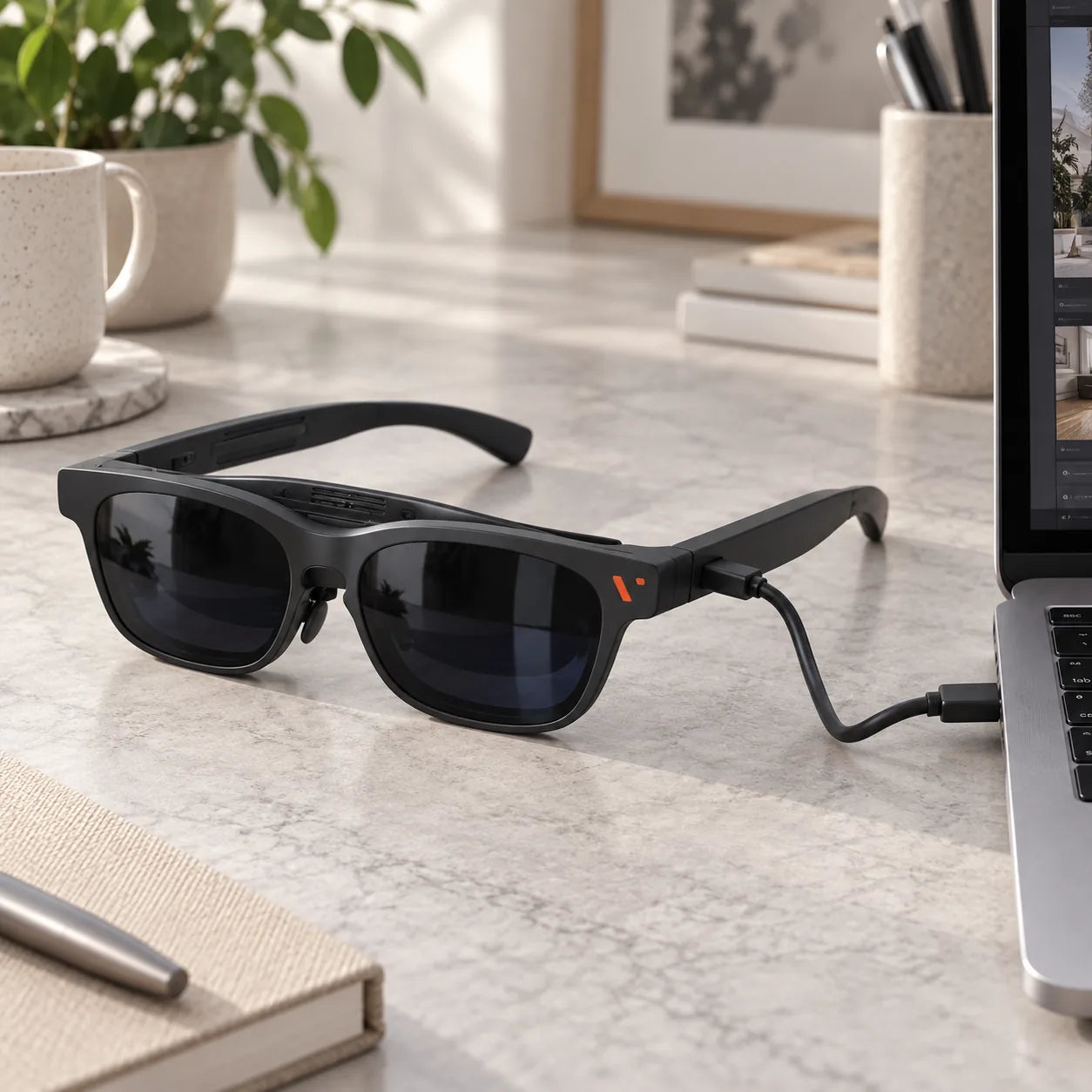
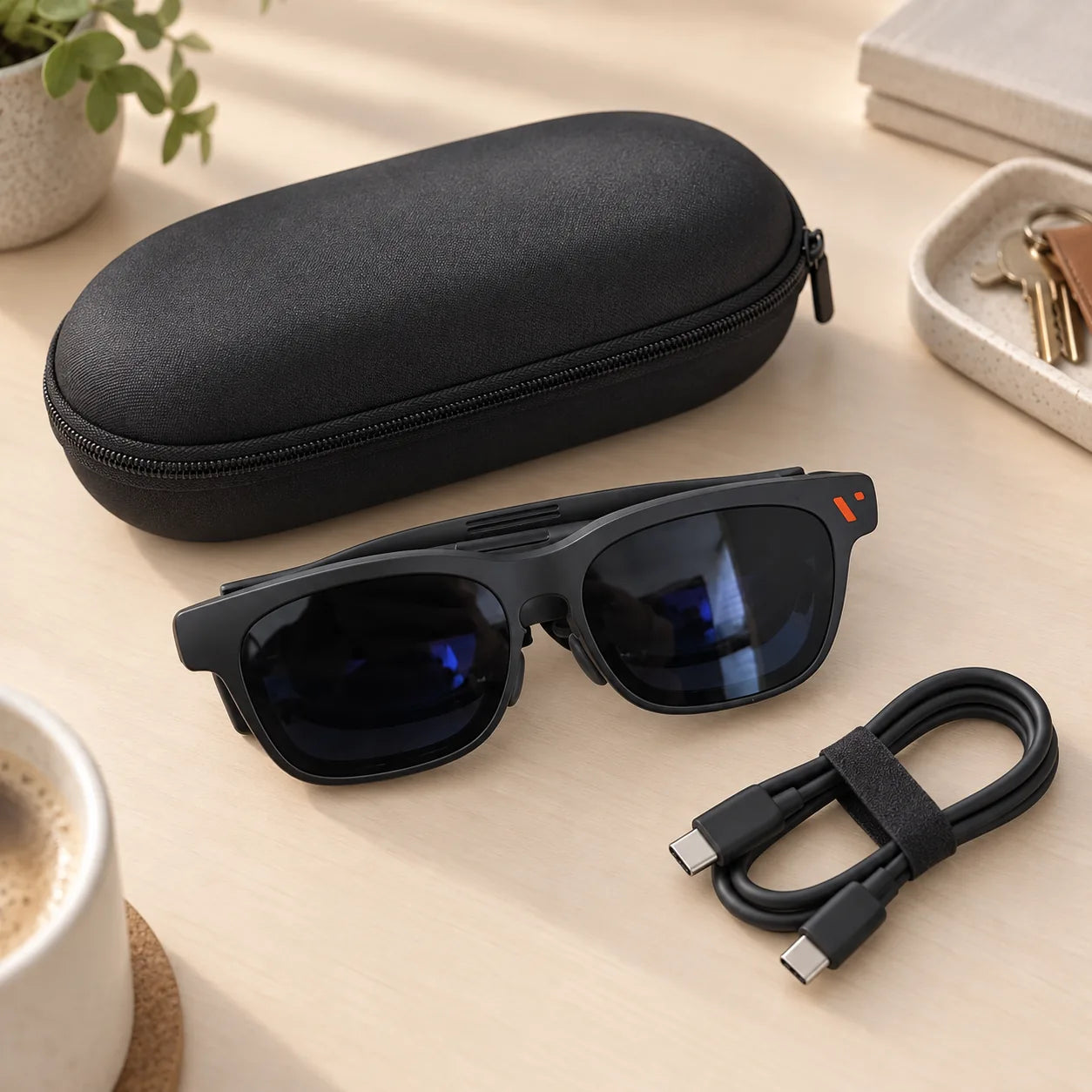
Pack the essentials.
Keep your glasses together with the practical essentials for setup and care.
- XR glasses
- Lens shade
- Nose pads
- USB-C cable
- Glasses case
- Cleaning cloth
Box contents may differ by offer. Please confirm your selection before ordering.
Seen beyond the studio.
Real-life photos show the frame, fit and kit from everyday angles. Swipe to explore.
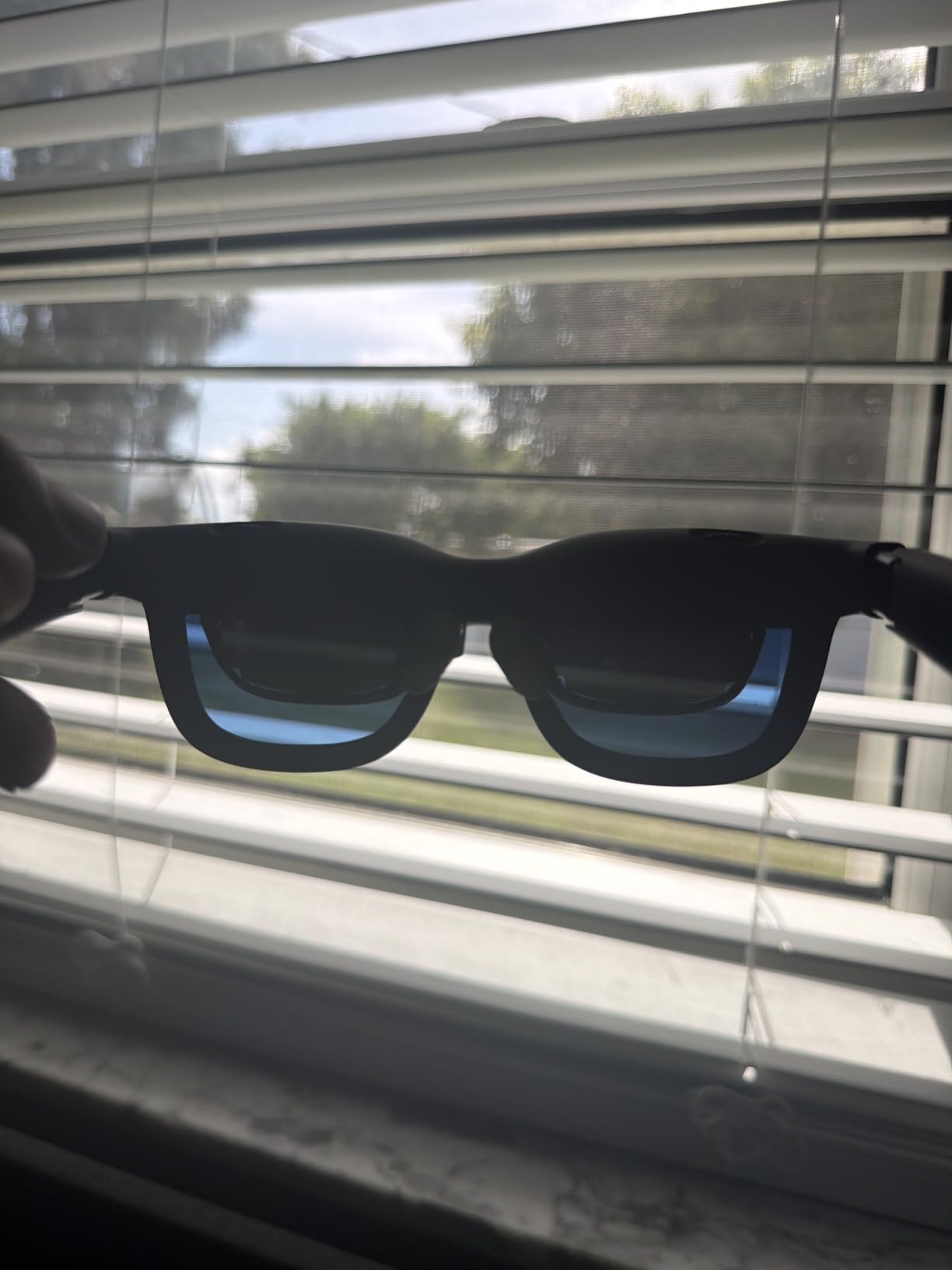
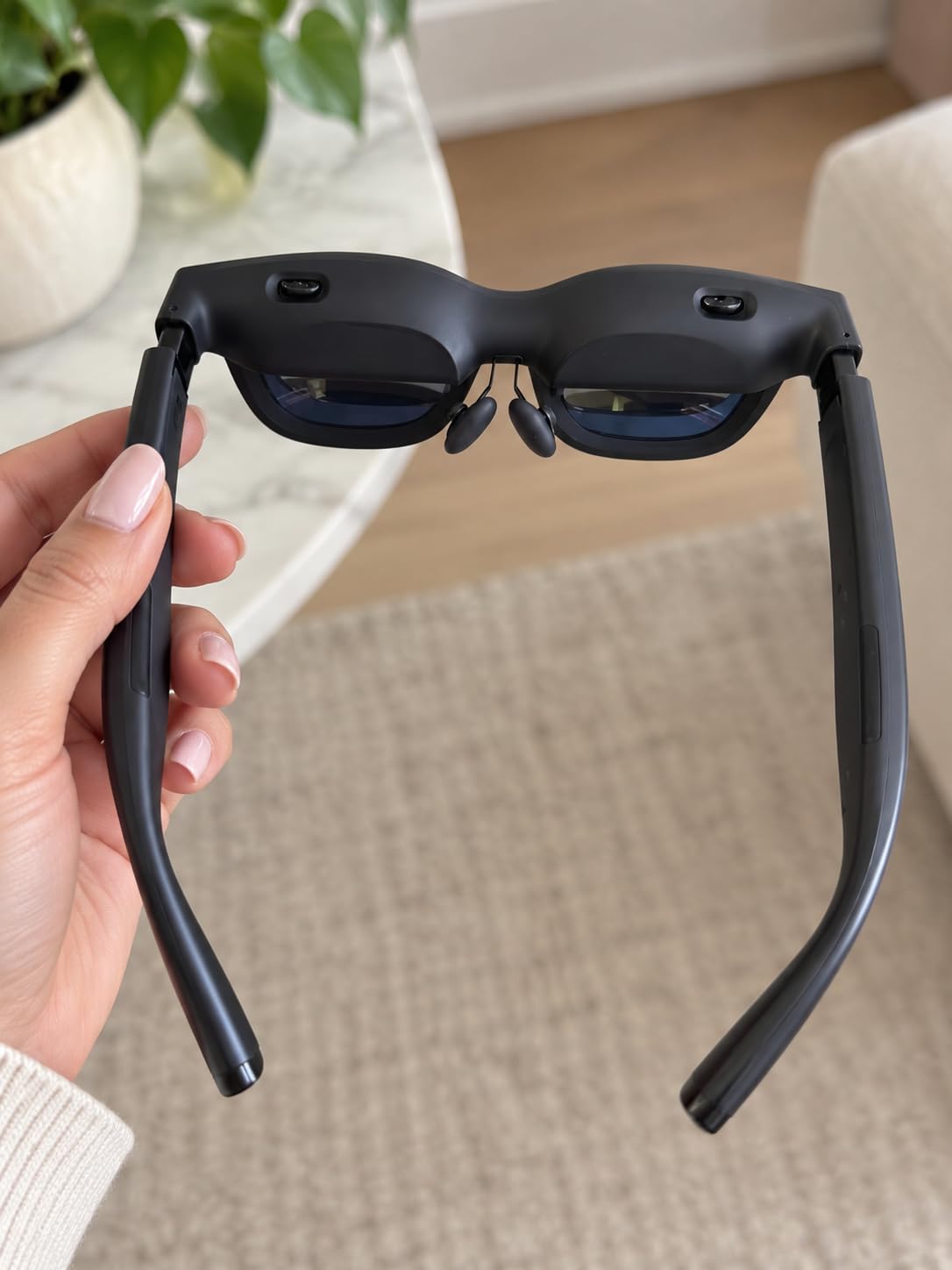
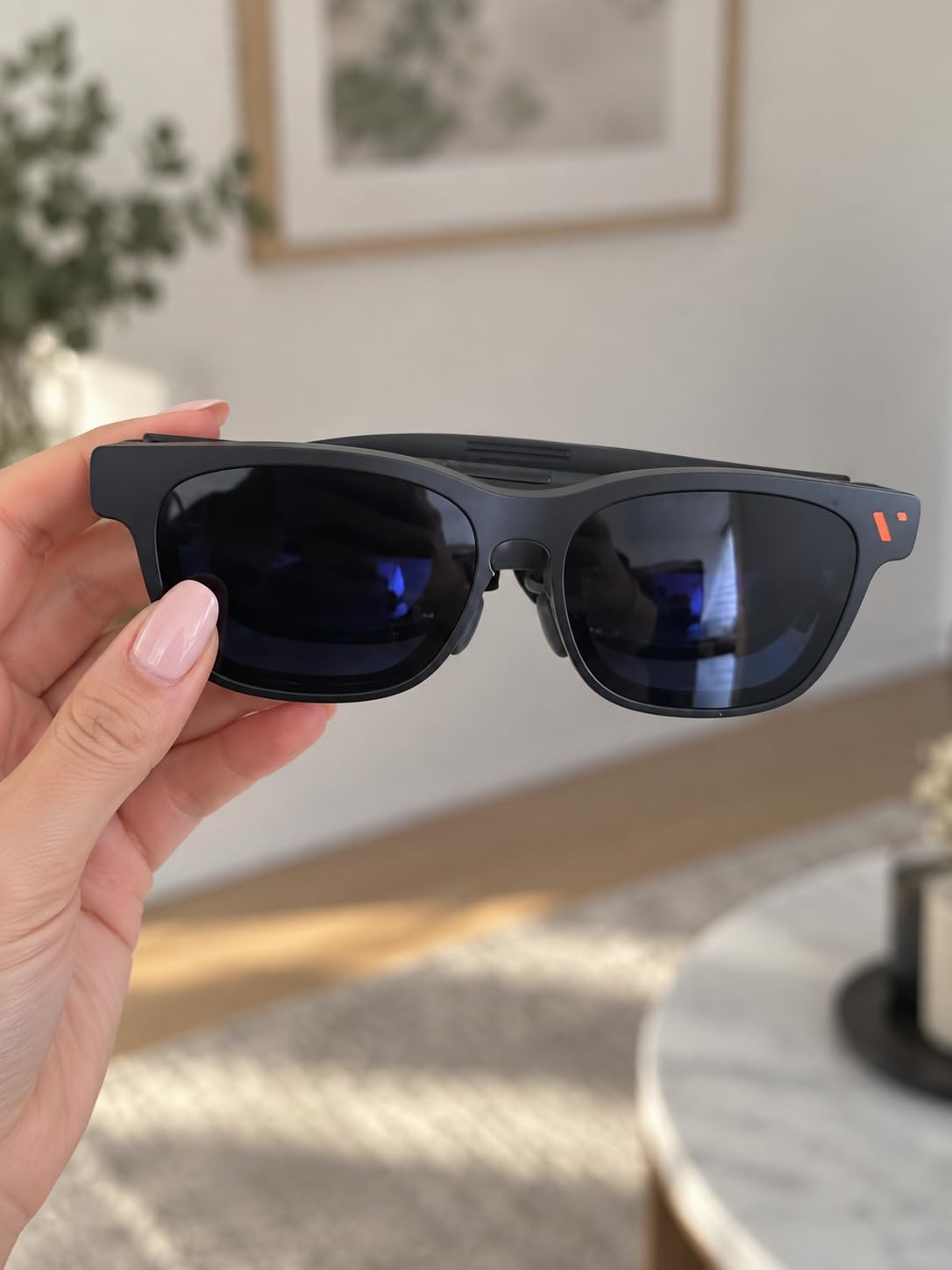
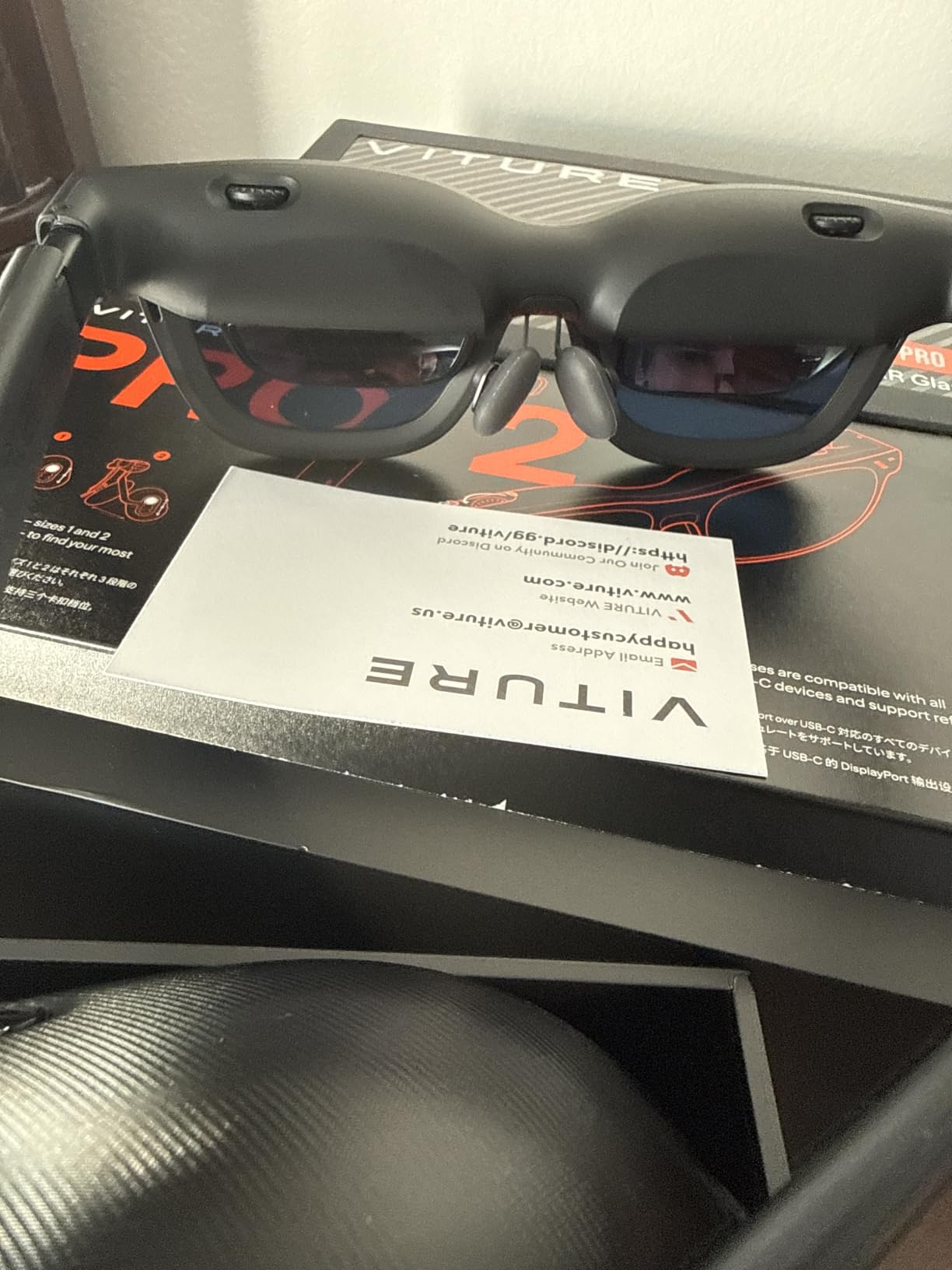
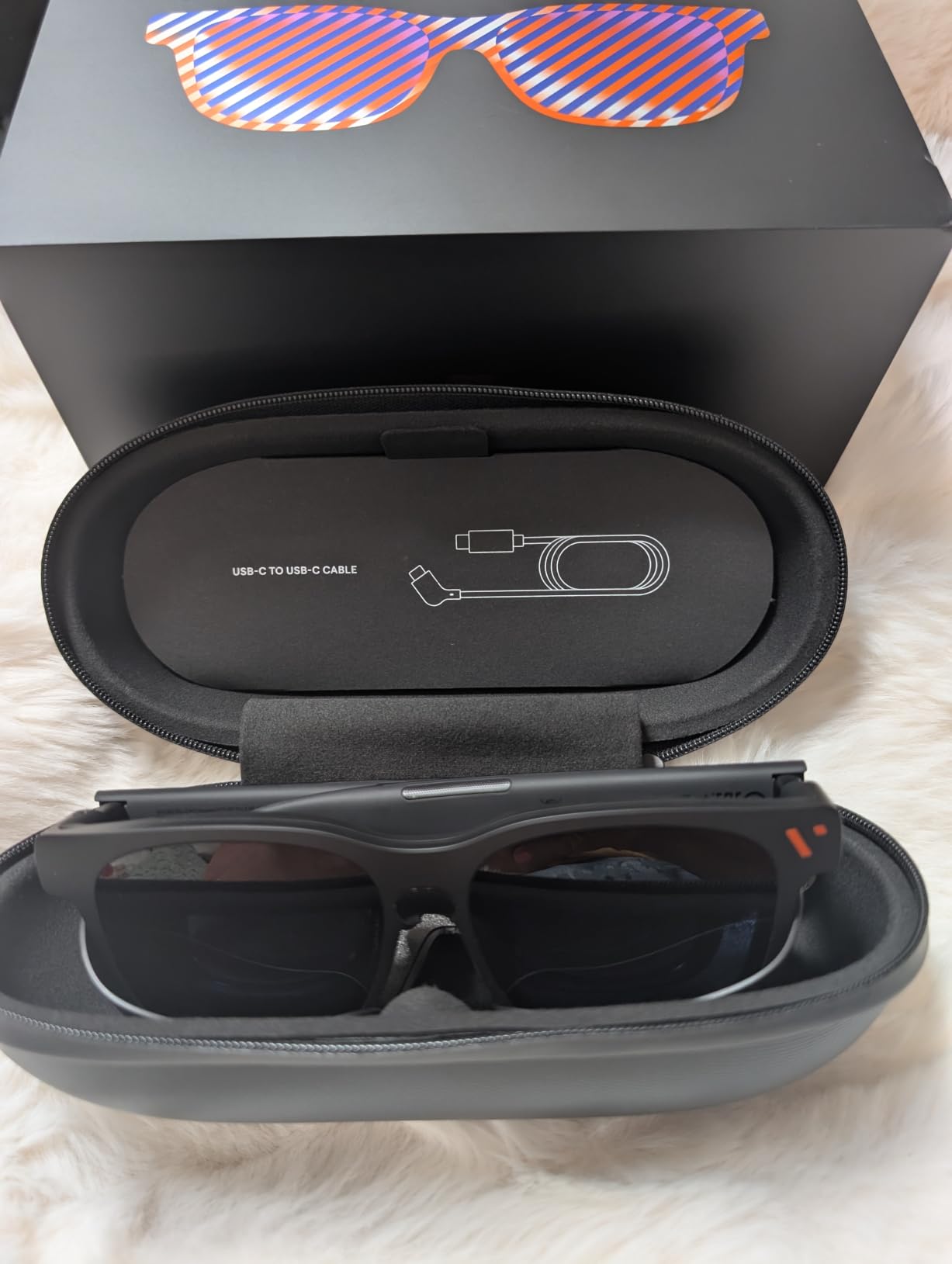
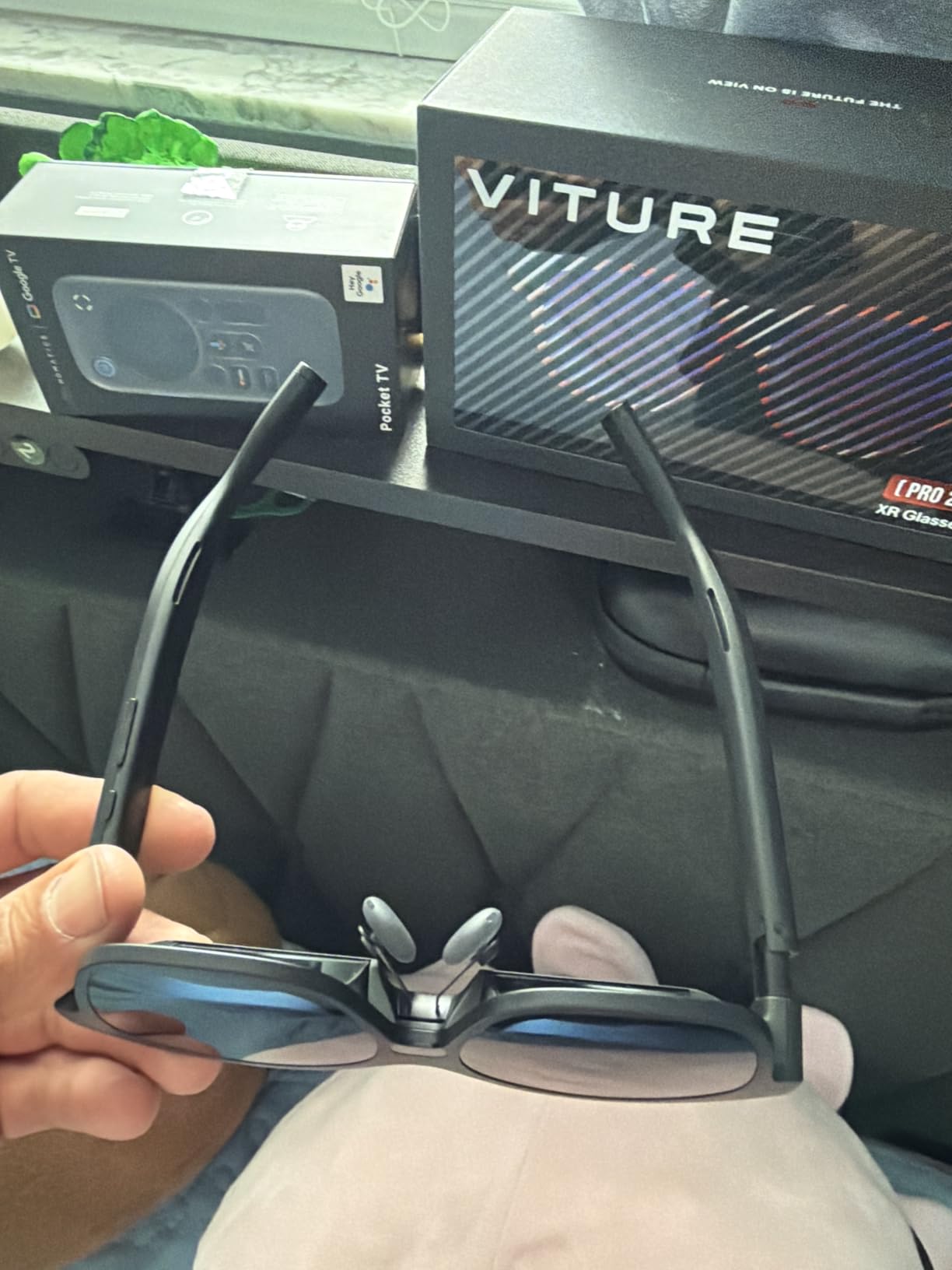
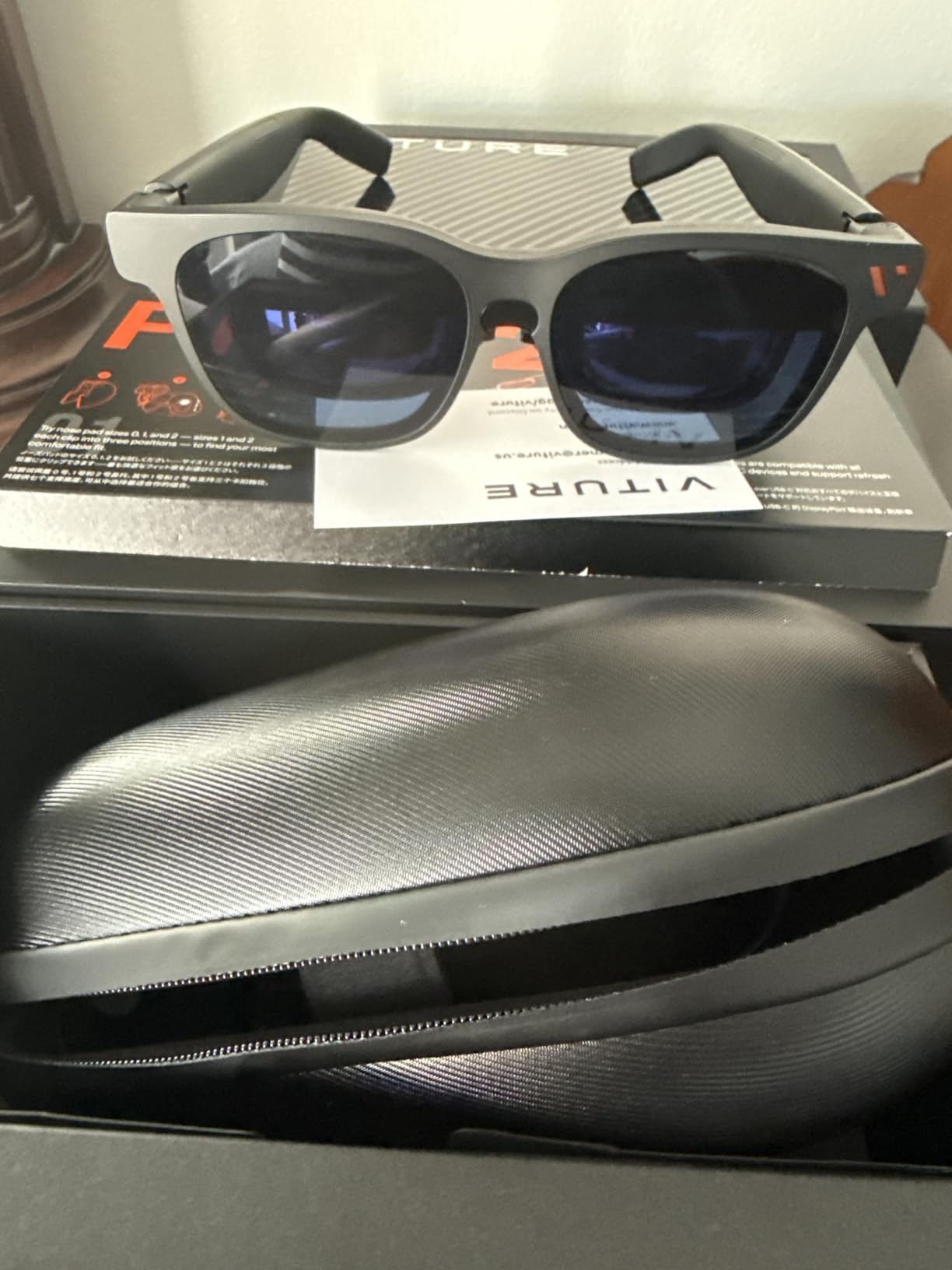
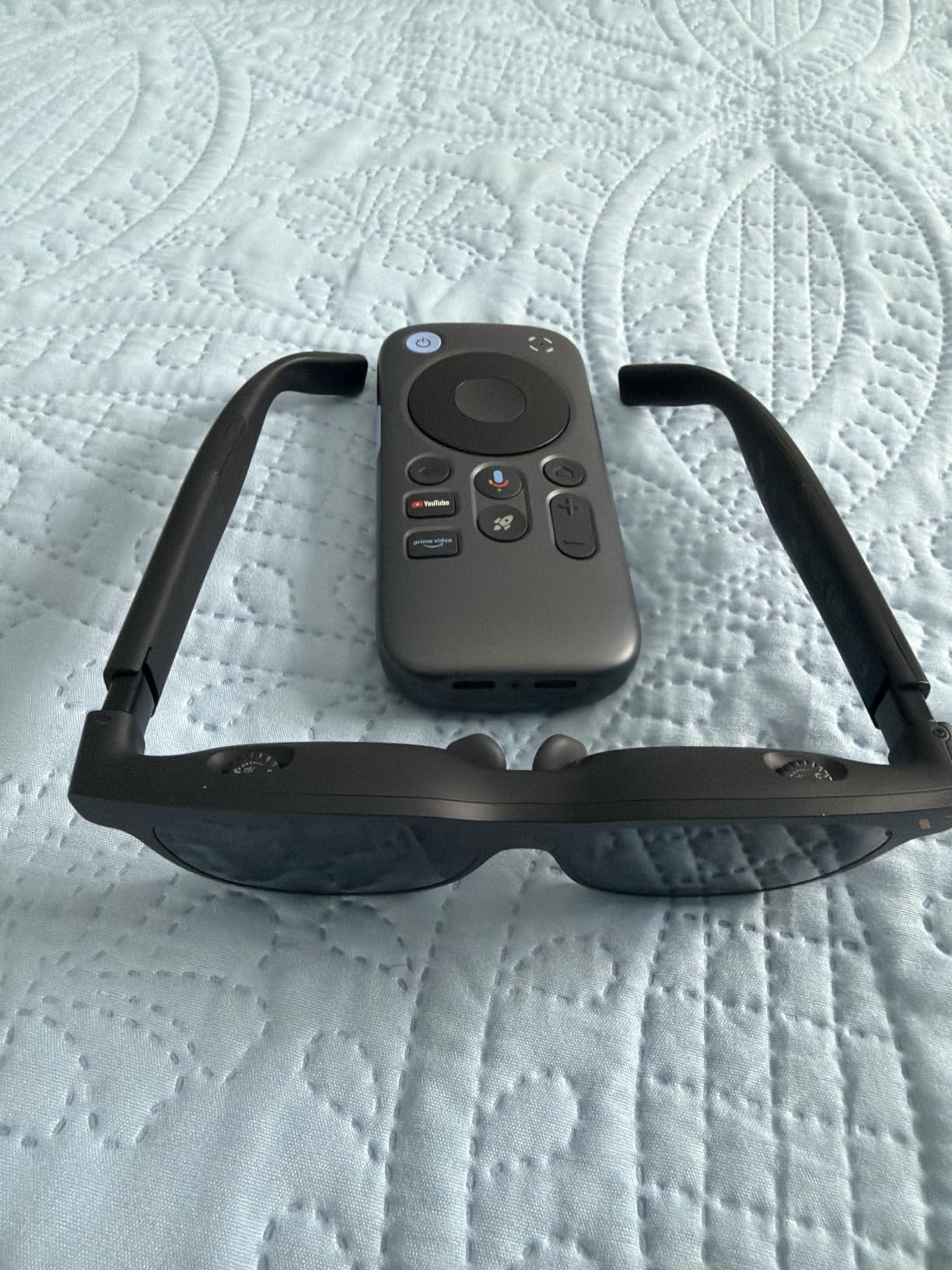
Some photos show third-party packaging or accessories that may not be included with your order.
Questions before you plug in.
Will any USB-C phone work?
No. Direct connection needs USB-C video output (DisplayPort Alt Mode) on the exact phone model. USB-C charging or data support alone is not enough.
Do the glasses run apps by themselves?
No. Movies, games and apps run on the compatible device you connect. The glasses act as a personal display.
Can I use them with a console?
Some HDMI consoles can work through a compatible dock or adapter, sold separately unless explicitly included in the selected offer. Check the complete device-and-adapter combination first.
What if I normally wear prescription glasses?
The product page describes adjustable optics, but the built-in adjustment does not replace every prescription. Check whether a compatible prescription insert is needed for your vision.
What should I check if the picture looks soft or blank?
First confirm that the source device outputs video through the connected port, then reseat the cable and adjust the nose pads and viewing position. If the image is still unclear, contact support with your device model.